- 控制面板安装 Debian 系统后,使用grml启动救援模式
apt install grml-rescueboot
update-grml-rescueboot
update-grub
生成的 /boot/grub/grub.cfg 添加了一个菜单
### BEGIN /etc/grub.d/42_grml ###
menuentry "Grml Rescue System (grml64-full_2022.11.iso)" {
		......
        iso_path="/boot/grml/grml64-full_2022.11.iso"
        export iso_path
        kernelopts="   "
        export kernelopts
		......
}
### END /etc/grub.d/42_grml ###
修改 /boot/grub/grub.cfg 启动 SSH 服务器
sed -i 's/kernelopts=" "/kernelopts=" toram ssh=sshpassword ip=1.2.3.4::1.2.3.1:255.255.255.0 "/' /boot/grub/grub.cfg
其中
sshpassword为 root 的密码1.2.3.4为 VPS 的静态IP1.2.3.1为 VPS 的网关IP255.255.255.0为子网掩码
重启到救援模式
grub-reboot "Grml Rescue System (grml64-full_2022.11.iso)"
reboot
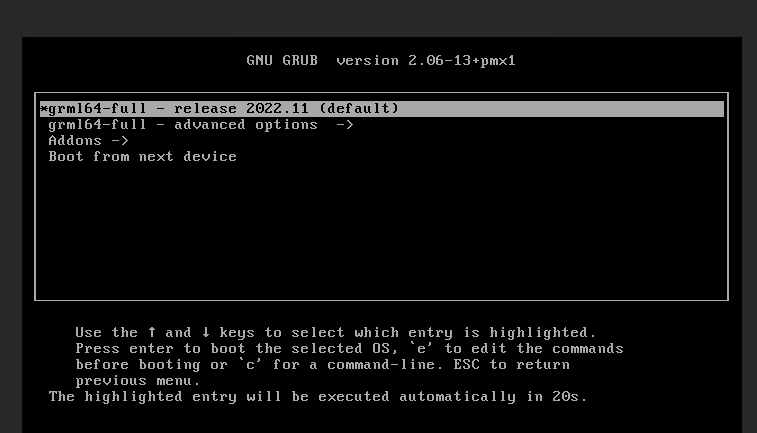
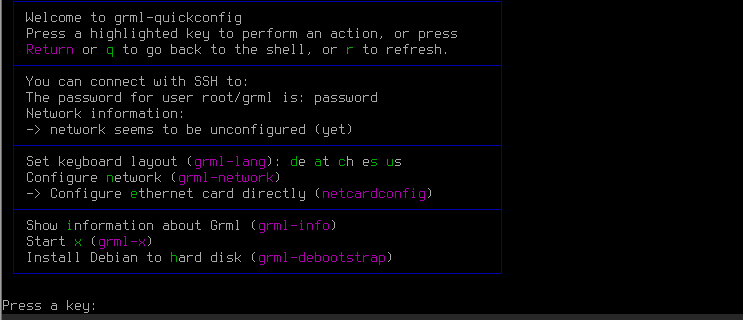
- SSH 连接到 VPS, 下载 proxmox 8 的iso
root 的密码为 sshpassword
echo "nameserver 8.8.8.8" | tee /etc/resolv.conf
wget https://enterprise.proxmox.com/iso/proxmox-ve_8.1-1.iso
- 启动虚拟机
echo "set_password vnc vncpassword" | \
qemu-system-x86_64 \
-name skrime \
-enable-kvm \
-cpu host \
-smp 4 \
-m 4G \
-vga std \
-display vnc=:0,password=on \
-monitor stdio \
-usb \
-device usb-tablet \
-drive file=/dev/sda,index=0,media=disk,format=raw \
-drive file=/root/proxmox-ve_8.1-1.iso,index=2,media=cdrom \
-device rtl8139,netdev=net0 \
-netdev type=user,id=net0 \
-boot d
其中 vncpassword 为 VNC 连接到密码
- 通过 VNC 连接开始安装
输入密码 vncpassword
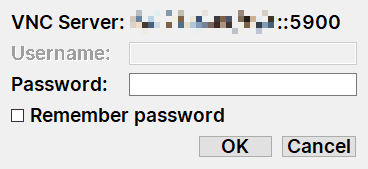
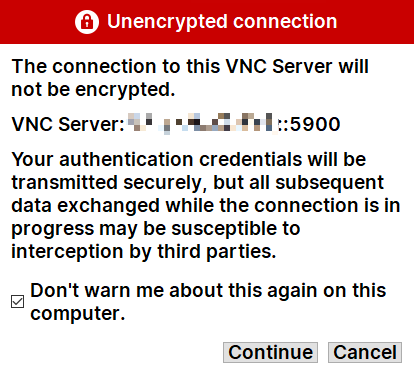
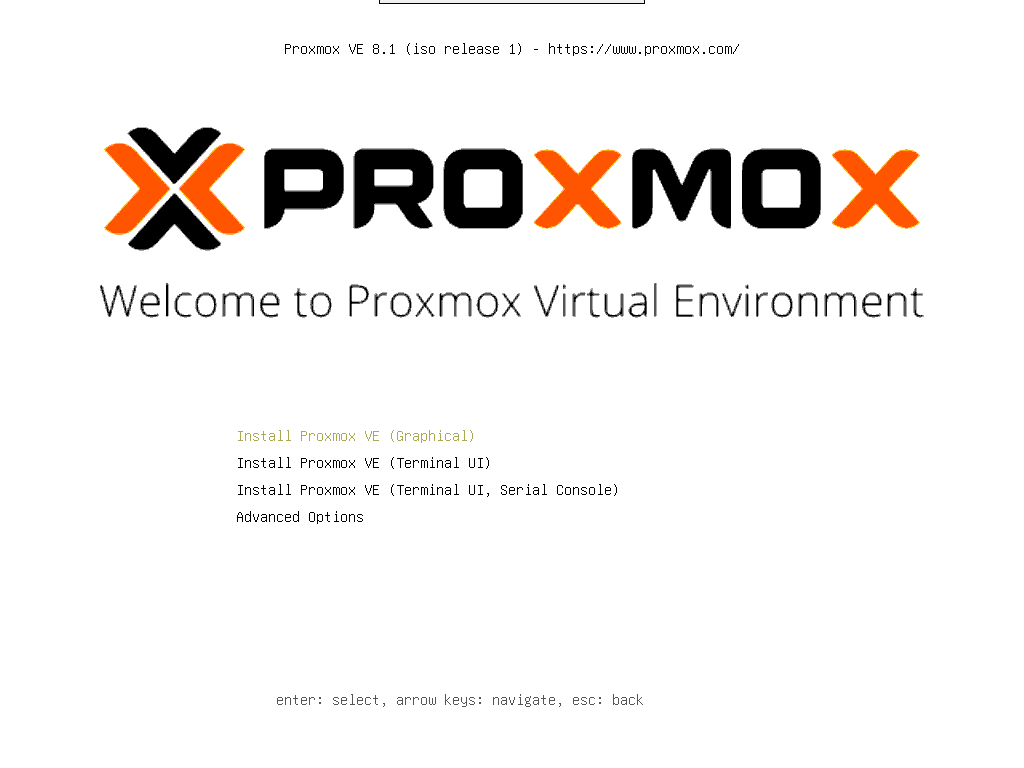
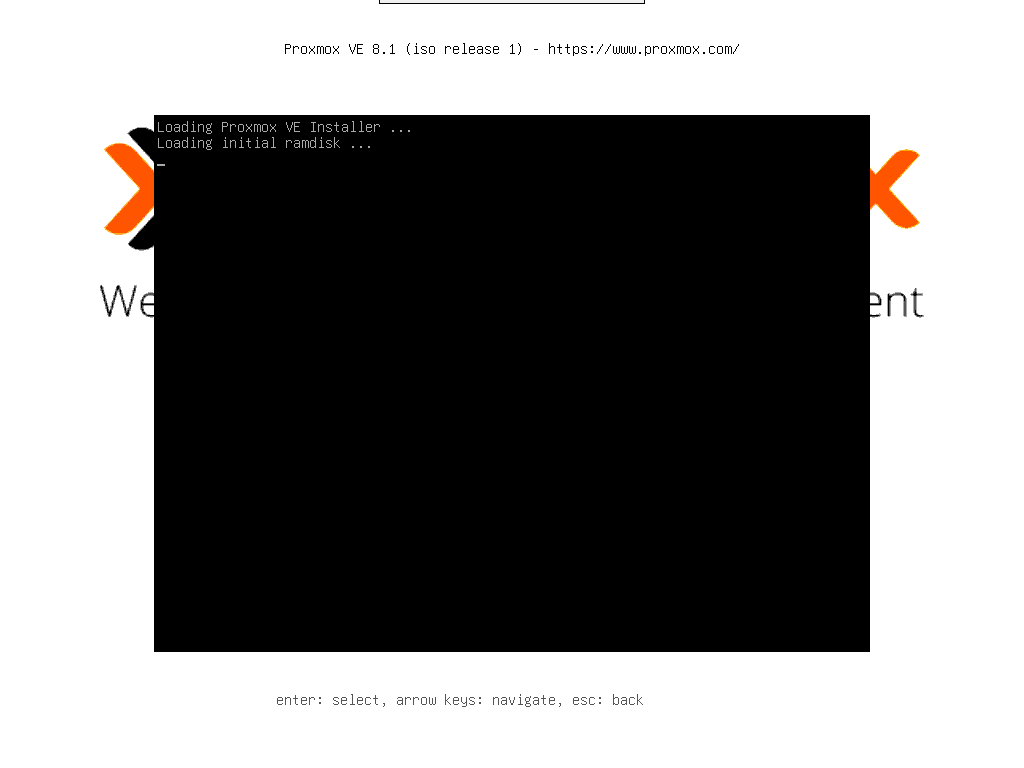
Enter 开始安装
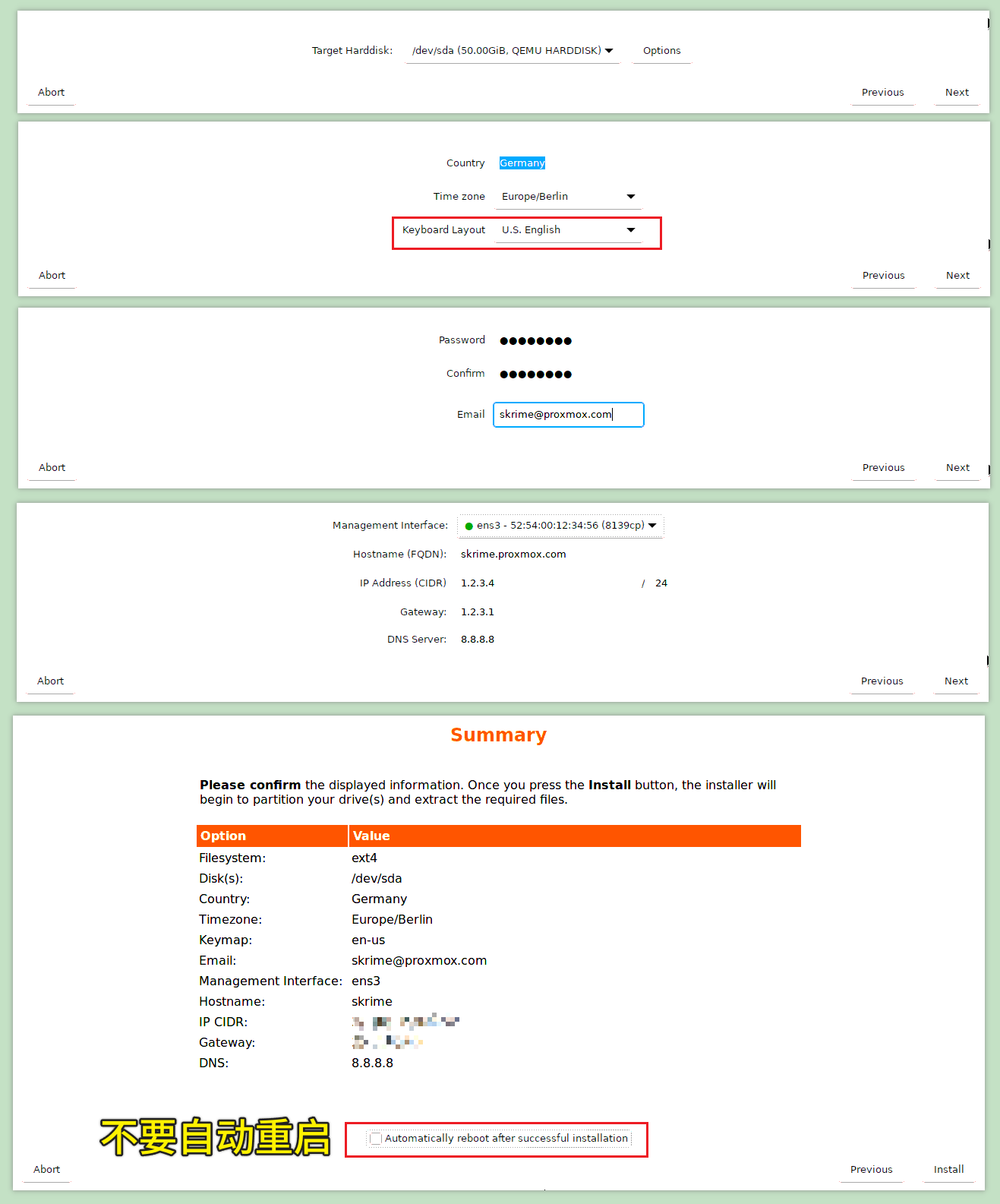
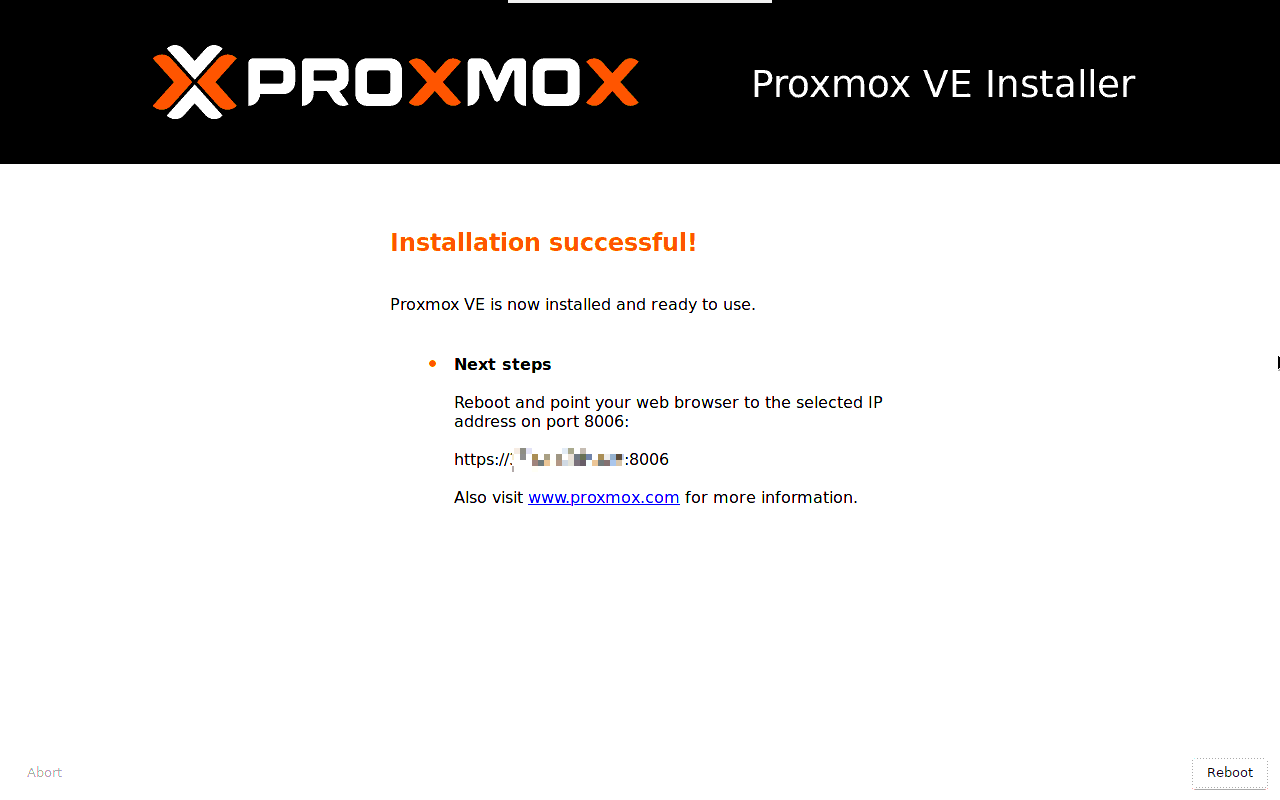
安装完成。
- 停止虚拟机
在命令行按下 Ctrl C 终止 qemu-system-x86_64
- 修改配置文件
vgchange -ay /dev/pve
mkdir /target
mount /dev/pve/root /target
chroot /target /bin/bash
sed -i 's/quiet/quiet net.ifnames=0 biosdevname=0/' /boot/grub/grub.cfg
sed -i "s|$(grep -oP 'bridge-ports \K\w ' /etc/network/interfaces)|eth0|" /etc/network/interfaces
exit && reboot
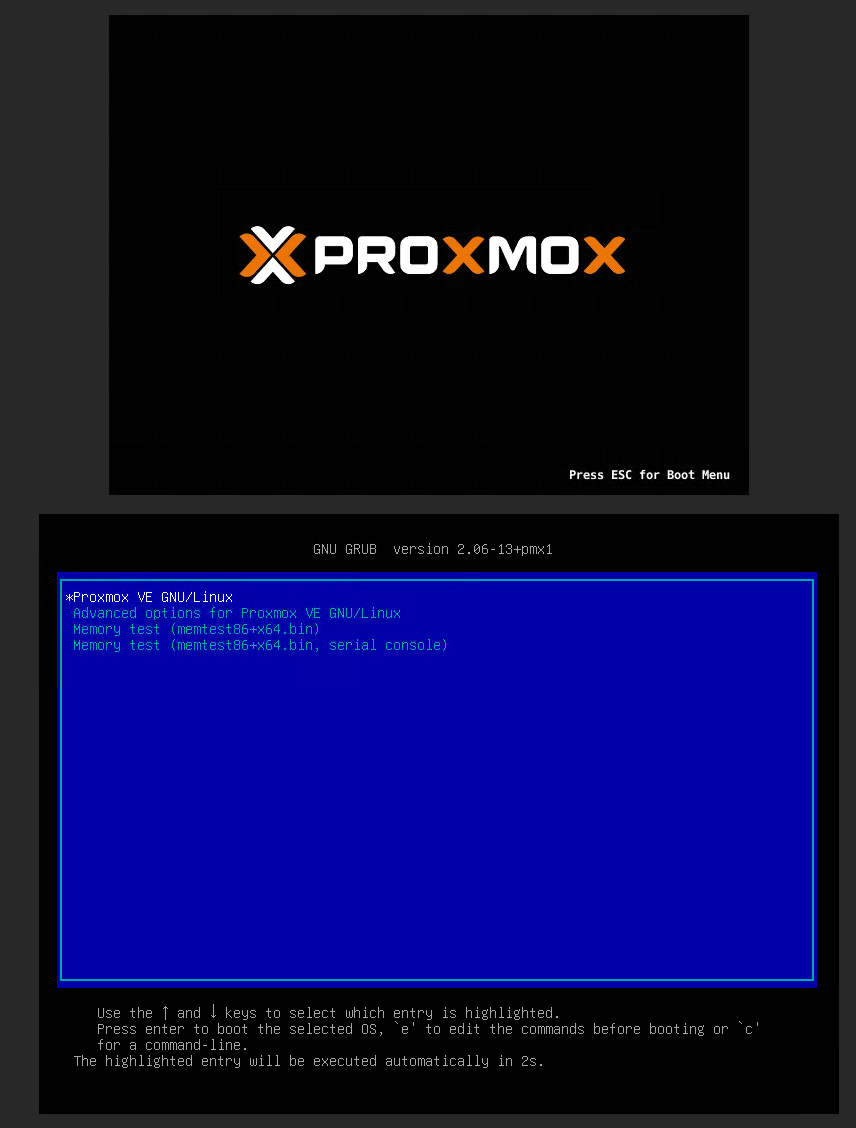
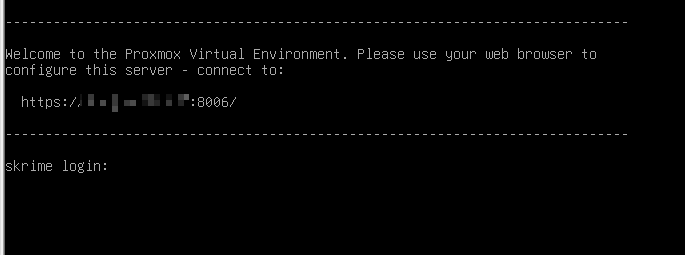
- 启动到 Proxmox


技术贴,绑定给鸡腿
龟壳的arm架构安装有吗,大佬